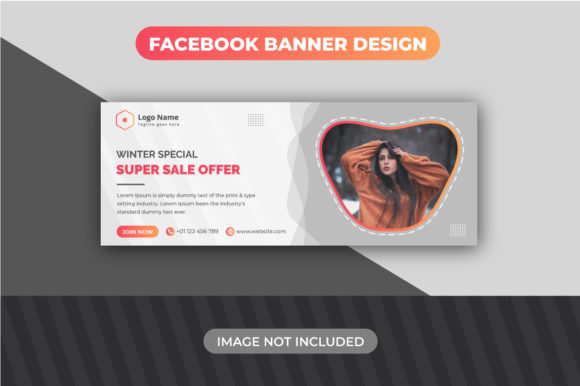
Design Your Winter Super Sale Facebook Banner
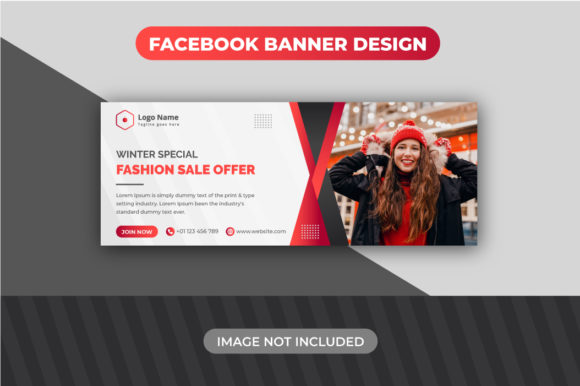
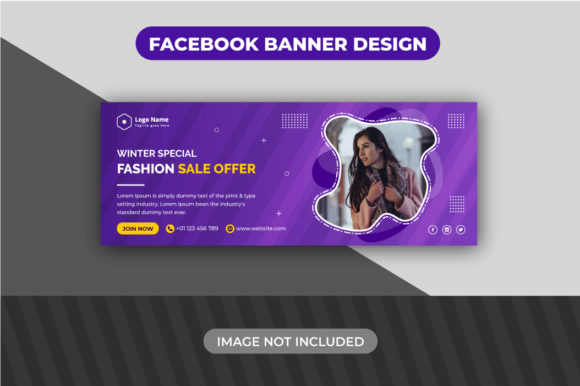
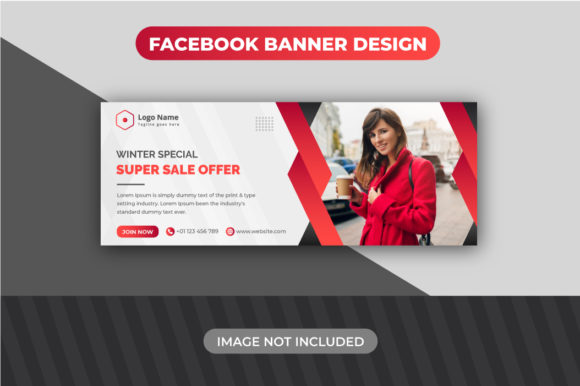
When the holiday shopping season kicks off, your Facebook page becomes a digital storefront window. A compelling Winter Super Sale Facebook Banner Design is more than just a decorative image; it's a strategic tool to grab attention, communicate urgency, and drive traffic. This particular design template is built for action. It’s not about subtle, understated elegance—it’s about making a clear, bold statement that your sale is happening now. The visual style leans into classic winter motifs and sale-centric typography, creating an immediate association with holiday deals and seasonal excitement. Its personality is energetic, festive, and direct, perfectly suited for the fast-paced environment of social media feeds.
Where This Banner Template Shines
The strength of this Winter Super Sale Facebook Banner Design lies in its focused application. It’s a specialized design asset crafted for a specific, high-stakes moment. Think of it as your go-to social media graphics solution for:
- E-commerce Promotions: Announcing flash sales, holiday discounts, or clearance events on platforms like Shopify or Etsy.
- Local Business Advertising: Promoting seasonal offers for cafes, retail stores, or service providers to their local community.
- Blogger & Publisher Alerts: Driving traffic to gift guides, holiday roundups, or sponsored sale content.
- Content Creator Launches: Marketing a special holiday course, e-book, or digital product bundle.
Its optimized 820x315 pixel dimension and 72 DPI RGB color mode ensure it looks sharp and loads quickly on Facebook, which is critical for maintaining viewer engagement. This isn't a template for a subtle brand refresh or a timeless logo design; it's a tactical tool for a specific campaign. Using it for a non-seasonal, non-sale message would create a disconnect, undermining its effectiveness.
Practical Customization: Making It Your Own
The real value of this asset is unlocked through its easy to edit structure. The included Help Guide is a crucial feature, especially for those less familiar with Adobe Illustrator CC. Let's break down the practical workflow.
Working with Layers and Text
The template is organized with grouped layers for logical editing. As the guide instructs, simply pressing Shift+Ctrl+G will ungroup the layers, giving you individual control over elements. This is where you apply modern typography principles. The template likely uses a bold display font for the headline. To customize it, you must first download and install the specified typeface on your system. Then, click the text and replace it. This is your chance to reinforce your brand identity. A strong, clear headline like "50% OFF WINTER SALE" is far more effective than a vague "Special Offer."
Integrating Your Visuals
The instruction for placing an image is straightforward: click to relink. This is a non-destructive way to swap the placeholder with your own product shot or branded graphic. Ensure your image is high-quality and relevant. A blurry product photo will sabotage the professional look of the entire banner. This step is fundamental for creating consistent brand identity across your marketing materials. The banner's style should complement, not clash with, your existing visual language.
Making a Strategic Choice for Your Campaign
Before you dive into editing, pause to evaluate the fit. Does the banner's inherent style—likely featuring festive colors, snowflakes, and a prominent price tag or percentage-off callout—align with your brand's winter campaign? If your brand is minimalist and stark, you might need to significantly alter the color scheme within the template, which is possible in Illustrator.
Consider the font pairing. The template provides a starting point, but you might want to pair the bold headline display font with a cleaner sans serif font for any secondary text you add, ensuring readability at a glance. The goal is visual hierarchy: the sale offer should be the first thing people see, followed by your brand name or a simple call-to-action like "Shop Now."
This Winter Super Sale Facebook Banner Design is a focused creative font and layout package designed for conversion during the holiday rush. It respects the technical constraints of the platform and the practical needs of busy entrepreneurs and marketers. By leveraging its structured editability and understanding its intended context, you can quickly produce a professional, on-brand banner that cuts through the noise of the season. It’s a practical piece of your broader marketing and publishing toolkit, designed to save you time while delivering a high-impact result where it matters most: in the scrolling feed of your potential customers.